Choose a reward & enjoy year-round hot drinks every time you buy car, home or van insurance**
**Single annual policy. New and former Paramount+ subscribers only who sign up at ParamountPlus.com. Subscription required. Auto-renews unless cancelled. 18+. Just Eat website account required, geographical exclusions apply. One regular hot drink per month for a year, only available via the Confused.com app T&Cs apply.
More ways to compare and save
How to get your rewards
-
Log into your Confused.com account and choose your reward within 90 days of buying your policy.
-
Spend your reward! We'll email you when your claim's been verified and is ready to use.
-
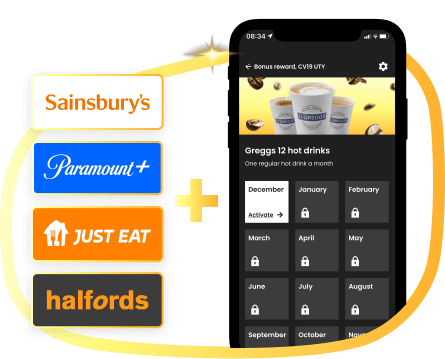
Get 12 hot drinks on us. Download or open the Confused.com app and redeem a free Greggs hot drink each month for a year.
We compare up to 163 trusted insurance companies1 to get you our cheapest deal in minutes




Save time and money with our app
-
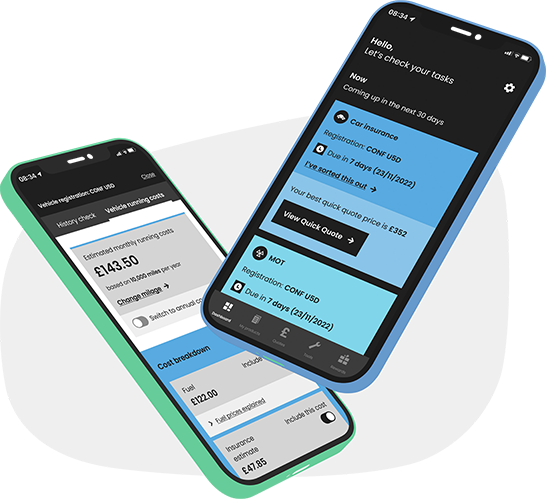
 View and manage your quotes
-
 Insurance, MOT and tax reminders
-
 Get a quick car insurance quote
-
 Monthly car running costs


Find the cheapest petrol or diesel near you
Get fuel prices near you nowDon't be Confused
Here to save you money
Different to other comparison websites
Helping you make better decisions
Big on trust
Our customers say:


Our helpful guides and articles

What is gigabit internet?
Gigabit internet is a connection with speeds over 1,000Mbps. Find out more about the benefits of gigabit-speed internet, and whether you can get them at your home.

When should I switch broadband?
If your broadband contract is coming to an end, you may be due a price rise. If you switch at the right moment, you could get yourself a cheaper deal.
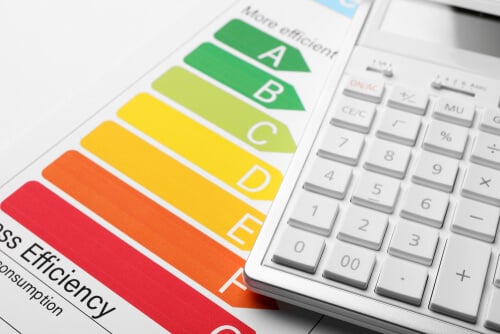
Energy Performance Certificates and ratings explained
Find out why Energy Performance Certificates are important if you want to sell or rent your home, as well as how they can help you manage your energy use.

How to manage your energy if you rent your home
What are your rights concerning your energy usage if you rent your home? Find out what you can and can't do here.

How to get help with energy bills
If you're struggling to pay your energy bills, there is help available. Find out what you could be eligible for here.
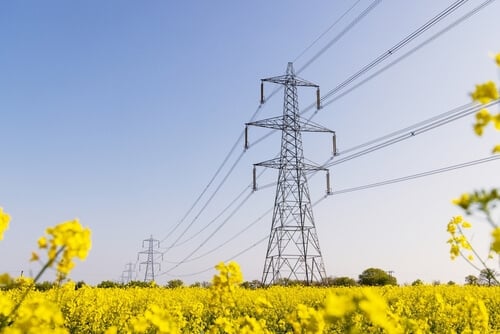
Regional UK energy prices
Why do some regions pay more for their gas and electricity than others? Find out here.
 cookie usage